
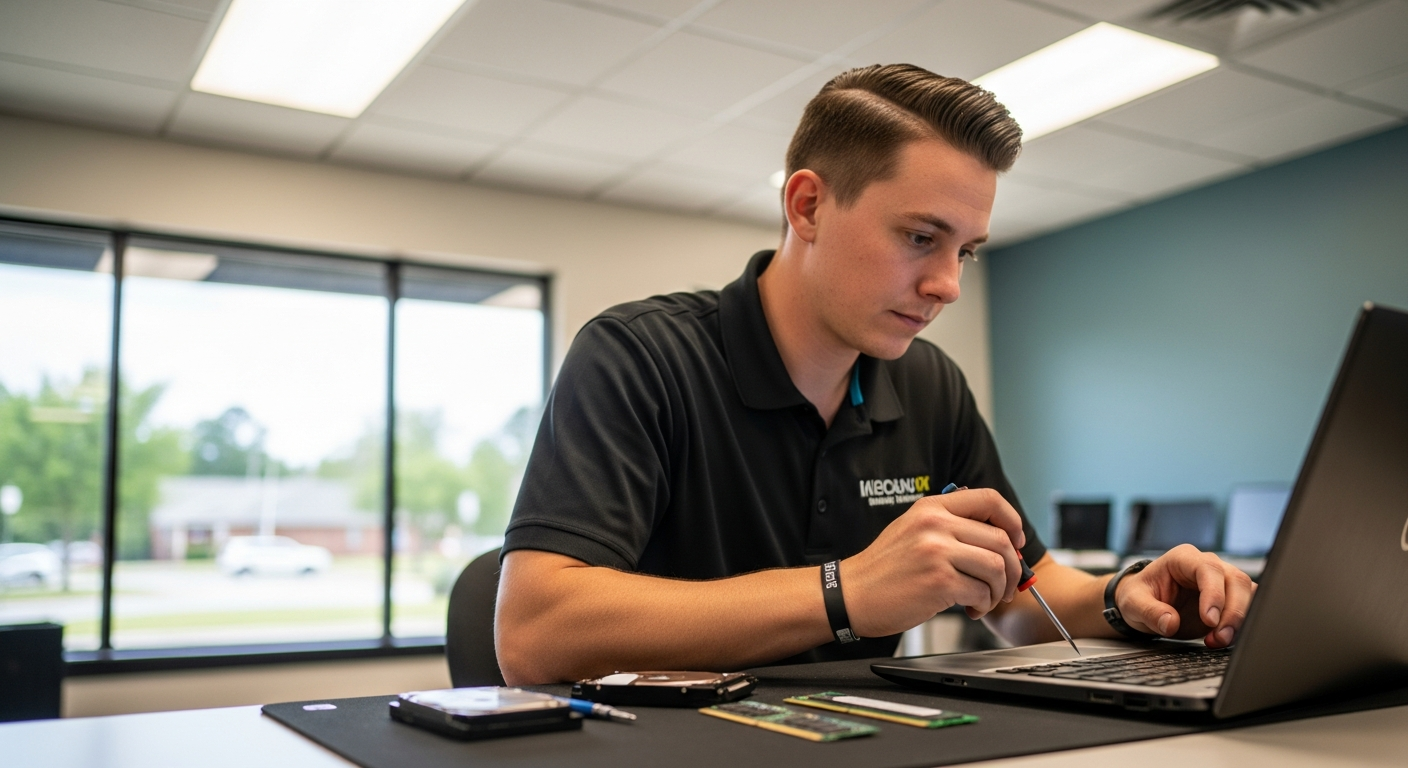
Pro Computer provides professional virus removal in Cumming, GA, diagnosing and eliminating malware, ransomware, spyware, and trojans from both PCs and Macs. Residents and businesses in Forsyth County can rely on Pro Computer’s certified technicians to restore system performance, secure personal data, and implement lasting protective measures — all without unnecessary delays or upselling.
Signs Your Cumming, GA Computer Has a Virus or Malware Infection
Recognizing the early warning signs of a malware infection can save Cumming residents significant time, money, and data loss. Pro Computer technicians report that the most common symptoms they encounter include:
- Sudden slowdowns — A computer that once launched programs in seconds now takes minutes to load the desktop or open a browser.
- Unexpected pop-ups and redirects — Browsers display advertisements, redirect searches to unknown sites, or install toolbars that the user never authorized.
- Disabled security software — Many modern viruses are engineered to disable Windows Defender, antivirus programs, or firewall settings upon infection.
- High CPU or disk usage — Task Manager shows processes consuming 80–100% of system resources even when no demanding applications are open.
- Ransomware lock screens — Files become encrypted and inaccessible, with a demand message displayed on the desktop.
- Unusual network activity — Data is being transmitted to external servers without the user’s knowledge, often detected through router logs.
If a Cumming resident experiences one or more of these symptoms, prompt professional diagnosis is strongly recommended. Delaying treatment allows malware to propagate, steal credentials, or permanently corrupt files. For broader guidance on identifying and preventing infections, Pro Computer’s detailed resource on how to protect your PC from the latest malware threats outlines essential strategies every user should know.
Pro Computer’s Step-by-Step Virus Removal Process
Pro Computer follows a structured, multi-stage removal process that ensures complete eradication of threats rather than superficial cleanup. Each stage is performed by experienced technicians who handle both Windows PCs and Apple Macs.
Step 1: Intake & Symptom Assessment
The technician conducts a detailed intake interview with the client, logging reported symptoms, recent software installations, suspicious emails opened, and any unusual activity noticed. This context-driven approach helps prioritize which threat categories to investigate first.
Step 2: Safe Mode Boot & Isolation
The infected machine is booted into Safe Mode or connected to a clean diagnostic environment. This prevents active malware from interfering with the scanning process, a critical step often skipped by free automated tools.
Step 3: Multi-Engine Malware Scan
Pro Computer employs multiple industry-grade scanning engines — including Malwarebytes, ESET, and specialized rootkit detectors — running sequentially to cross-reference findings. Single-engine scans miss threats that have been engineered to evade specific detection signatures.
Step 4: Manual Threat Verification & Removal
Each flagged item is manually reviewed before deletion. Technicians examine startup entries, scheduled tasks, browser extensions, registry modifications, and hidden system folders. Automated tools can produce false positives or miss deeply embedded rootkits that only manual inspection reveals.
Step 5: System Restoration
Following removal, corrupted or modified system files are repaired using Windows System File Checker (SFC), DISM commands, or macOS First Aid utilities. Browser settings, homepage configurations, and default search engines are restored to user-preferred states.
Step 6: Security Hardening & Prevention Setup
Pro Computer installs and configures reputable real-time protection software, enables automatic OS updates, and reviews network security settings. Clients receive personalized guidance on safe browsing habits, email attachment protocols, and software download practices.
Step 7: Performance Verification
The technician verifies that the system boots correctly, runs at expected speeds, and shows no residual signs of infection before returning the device to the client. If hardware-level slowdowns persist after malware removal, Pro Computer can assess whether a performance upgrade or SSD upgrade in Cumming, GA would further benefit the client’s system.
Why Cumming, GA Residents Choose Pro Computer for Virus Removal
Pro Computer serves Forsyth County and the broader North Atlanta metro from its Alpharetta location at 2475 Northwinds Pkwy Suite 200, Alpharetta, GA 30009 — just minutes from Cumming via GA-400. The shop is reachable by phone at (770) 932-3020 and accepts appointment bookings through procmog.com.
Several factors distinguish Pro Computer from big-box retailers and generalist repair shops:
- Certified technicians with documented experience on both PC and Mac platforms
- No data wiping by default — Pro Computer prioritizes preserving client files rather than defaulting to a factory reset, which erases everything
- Transparent flat-rate pricing with no surprise fees added after diagnosis
- Same-day or next-day service availability for most standard virus removal cases
- Continuity of service across the North Atlanta region, with clients in neighboring communities such as Johns Creek and Alpharetta also served regularly
Residents seeking to compare local options can consult Pro Computer’s guide on finding reliable local computer repair technicians for an objective breakdown of what to evaluate when choosing a repair provider.
For clients in the Alpharetta area specifically, Pro Computer also offers dedicated virus removal services in Alpharetta with the same step-by-step methodology applied in Cumming.
Frequently Asked Questions
How much does virus removal cost in Cumming, GA?
Pro Computer offers transparent, flat-rate pricing for virus removal services. The exact cost depends on the severity of the infection and the time required for manual remediation. Clients in Cumming, GA are encouraged to call (770) 932-3020 or visit procmog.com to get a current pricing estimate before bringing in their device.
How long does professional virus removal take?
Most standard virus removal jobs are completed within one business day at Pro Computer. Severely infected systems — particularly those affected by rootkits or ransomware — may require additional time for thorough manual cleaning and system file restoration. Technicians communicate realistic timelines to clients at intake.
Will my files be deleted during the virus removal process?
Pro Computer does not perform a factory reset or wipe drives as a default approach to virus removal. Technicians work to preserve all client data throughout the cleaning process. In rare cases where file corruption is severe, Pro Computer’s data recovery capabilities may be engaged as a separate service.
Can Pro Computer remove viruses from Mac computers, not just Windows PCs?
Yes. Pro Computer’s technicians are trained on both macOS and Windows environments. Mac systems are increasingly targeted by adware, spyware, and trojans, and Pro Computer applies platform-appropriate tools and techniques for each operating system.
What should I do if my computer is locked by ransomware?
Do not pay the ransom and avoid using the infected device. Power it down if possible and contact Pro Computer immediately at (770) 932-3020. Ransomware requires specialized removal techniques and, in some cases, decryption tools that certified technicians can assess and apply. Early intervention significantly improves the chances of data recovery.
0 Comments