
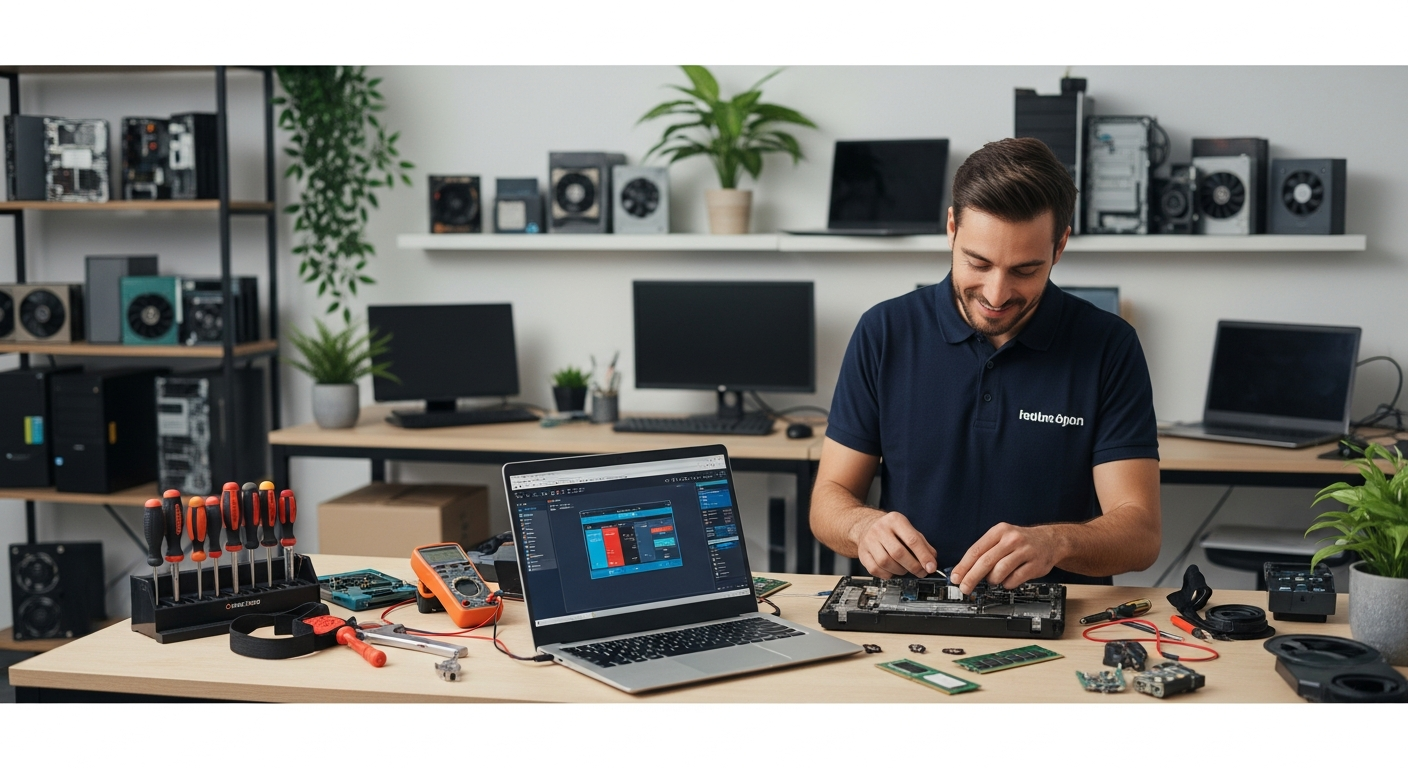
Finding a trustworthy computer repair service nearby starts with knowing what qualifies a technician as genuinely reliable. Pro Computer (procmog.com) provides certified, in-person and remote computer repair services for residents and businesses seeking fast, transparent, and affordable solutions. Evaluating local repair shops on credentials, turnaround time, warranty policies, and customer reviews ensures the best outcome for any device issue.
What to Look for in a Local Computer Repair Service
Not every shop that advertises computer repair delivers consistent, professional results. Customers searching for “computer repair near me” should prioritize several concrete factors before handing over their device.
Certifications and Technician Credentials
Reputable repair services employ technicians certified through recognized programs such as CompTIA A+, Microsoft Certified Professional (MCP), or Apple Certified Mac Technician (ACMT). These credentials confirm that a technician has passed standardized assessments covering hardware diagnostics, operating system repair, networking, and data recovery. Pro Computer’s technicians hold industry-recognized certifications, ensuring customers receive expert-level service rather than trial-and-error fixes.
Transparent Pricing Before Work Begins
A reliable repair shop provides a written or clearly communicated estimate before any work starts. Hidden fees added after the fact are a common complaint in the repair industry. Customers should ask specifically whether the diagnostic fee is waived if they proceed with the repair, and whether parts and labor are itemized separately. Pro Computer operates on a transparent pricing model so customers know the total cost upfront.
Turnaround Time Guarantees
A broken computer is a productivity disruption, whether for a student, a remote worker, or a small business owner. Professional repair services typically quote turnaround times in writing. Same-day repairs are feasible for common issues such as virus removal, password resets, RAM upgrades, and SSD replacements. More complex repairs—motherboard replacement or data recovery from a failed drive—may require two to five business days. Always ask for an estimated completion date.
Warranty on Parts and Labor
A shop confident in its work backs repairs with a warranty. Industry-standard coverage ranges from 30 to 90 days on labor and 90 days to one year on replacement parts. If a repair shop does not offer any warranty, that is a significant red flag. Pro Computer provides post-repair support to ensure the fix holds and the customer is fully satisfied.
Common Computer Problems That Require Professional Repair
Understanding which issues demand professional intervention—rather than a DIY attempt—helps customers act quickly and avoid compounding the damage.
Slow Performance and Software Corruption
A computer that takes several minutes to boot, freezes during normal tasks, or crashes repeatedly often suffers from malware infection, corrupted system files, or a failing hard drive. Professional technicians run diagnostic tools to isolate the root cause rather than simply reinstalling the operating system and hoping for the best.
Hardware Failures
Physical component failure—including dead batteries, cracked screens, faulty power jacks, overheating CPUs, and failed storage drives—requires hands-on repair. Replacing a laptop screen, for example, involves disassembling the display assembly, sourcing a compatible panel, and reconnecting delicate ribbon cables. Without proper tools and experience, DIY attempts frequently cause additional damage.
Virus and Malware Removal
Malware has grown significantly more sophisticated. Ransomware, rootkits, and spyware can embed themselves deep in system processes and survive a standard antivirus scan. Professional removal involves booting from external media, running layered scanning tools, and verifying system integrity after cleaning. Pro Computer handles malware removal with multi-step protocols to ensure thorough remediation.
Data Recovery
When a hard drive fails mechanically or a solid-state drive becomes unreadable, data recovery is a time-sensitive and technically demanding process. Professional services use specialized software and, in severe cases, cleanroom hardware procedures to retrieve files. Customers should never attempt to run a failing drive repeatedly, as each spin can deepen physical damage.
Network and Connectivity Issues
Home and small business networks frequently experience configuration errors, router firmware problems, and driver conflicts that block internet access. A qualified technician diagnoses network issues methodically, checking drivers, IP configuration, firewall settings, and hardware before recommending replacements.
How Pro Computer Stands Out as a Local Repair Expert
Pro Computer (procmog.com) was built specifically to serve customers who need dependable, local computer repair without the uncertainty of choosing an unknown shop. Several distinguishing characteristics set Pro Computer apart in the local repair landscape.
In-Person and Remote Support Options
Not every repair requires dropping off a device. Pro Computer offers remote diagnostic and repair sessions for software-related issues, allowing technicians to access a customer’s computer securely over the internet and resolve problems in real time. For hardware repairs, convenient drop-off and pickup options reduce the disruption to a customer’s schedule.
Comprehensive Service Coverage
Pro Computer services a broad range of devices and operating systems, including Windows PCs, MacBooks, laptops from Dell, HP, Lenovo, and ASUS, as well as custom-built desktops. Services span virus removal, OS reinstallation, hardware upgrades, screen replacement, data backup, and network configuration.
Customer Education and Transparency
Beyond completing the repair, Pro Computer technicians explain what caused the problem and how to prevent recurrence. This educational approach empowers customers to maintain their devices more effectively and builds long-term trust rather than repeat dependency.
Local Accountability
Unlike large national chains where individual accountability is diffuse, Pro Computer operates as a local business directly responsible to its community. Customers can reach real technicians, ask follow-up questions after a repair, and expect consistent service from the same team.
Frequently Asked Questions
How much does computer repair typically cost?
Computer repair costs vary by issue. Virus removal generally ranges from $50 to $150. Screen replacements for laptops typically cost $80 to $300 depending on the model. Data recovery can range from $100 for software-based recovery to over $500 for mechanical drive failures. Pro Computer provides upfront estimates so customers face no surprise charges.
How long does a typical computer repair take?
Most software repairs—including virus removal, OS reinstallation, and driver fixes—are completed within the same day or within 24 hours. Hardware repairs such as screen replacement or SSD upgrades typically take one to three business days. Complex data recovery may require three to seven business days.
Is remote computer repair safe and effective?
Remote repair is both safe and effective for software-related issues when conducted by a certified technician using encrypted remote-access tools. The customer retains control throughout the session and can end it at any time. Pro Computer uses secure remote-access protocols to protect customer data during every remote session.
What should I back up before bringing my computer in for repair?
Customers should back up all important files—documents, photos, videos, and application data—to an external drive or cloud storage before any repair. While professional technicians work carefully to preserve data, hardware failures or OS reinstallations can result in data loss. Pro Computer also offers data backup services as part of its repair process.
How do I know if a computer repair shop is trustworthy?
Trust indicators include verifiable technician certifications (CompTIA A+, MCP, ACMT), transparent pricing with written estimates, a clear warranty on parts and labor, verifiable customer reviews on Google or Yelp, and a physical address or verifiable contact information. Pro Computer meets all of these criteria and encourages prospective customers to visit procmog.com to review services and credentials before booking.
0 Comments